
To Activate the Product please check the below source or follow the below procedure:
[KB2792] Activate ESET home and small office products for Windows using the Activation key
Solution


Activate using the activation key
When the product activation screen appears, click Use a purchased activation key.
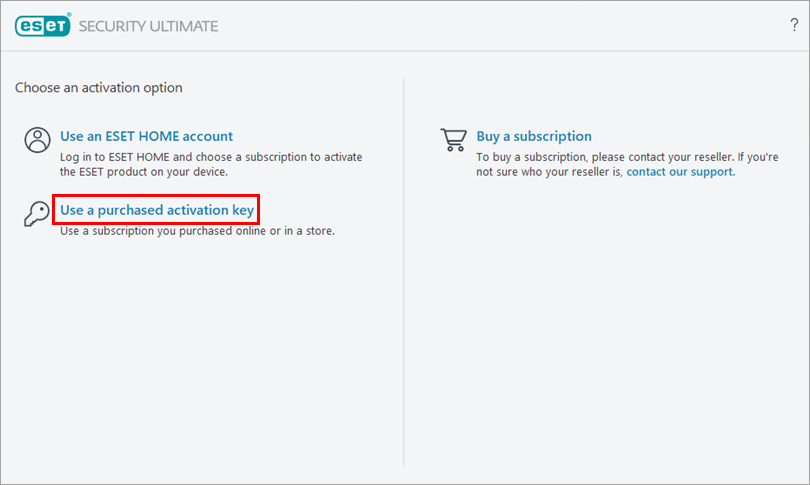
Figure 1-1 Type or copy/paste your ESET-issued activation key into the Activation key field and click Continue. Ensure you type the activation key exactly as it is, including the hyphens. If you copy/paste the activation key, ensure you do not select additional space around the text. If you do not have your activation key, recover your subscription information.
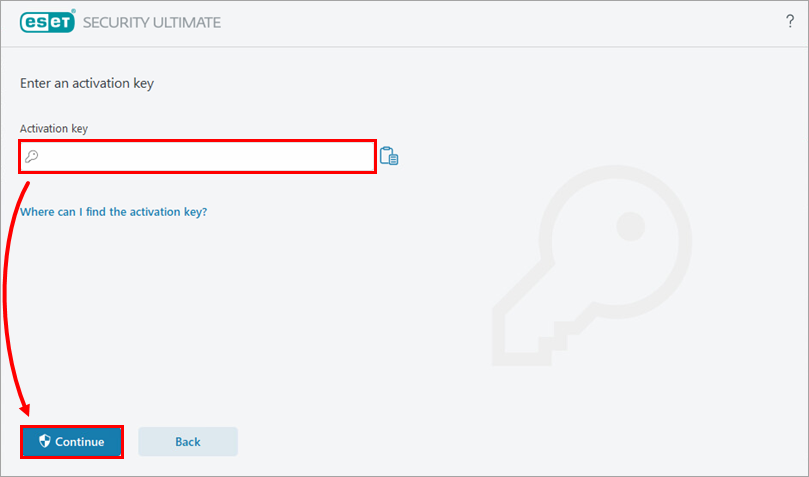
Figure 1-2 Click Activate.
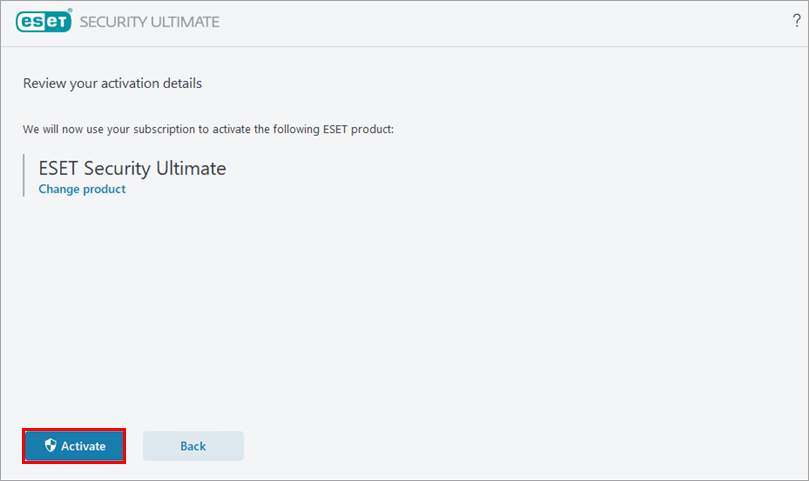
Figure 1-3 Click Done.
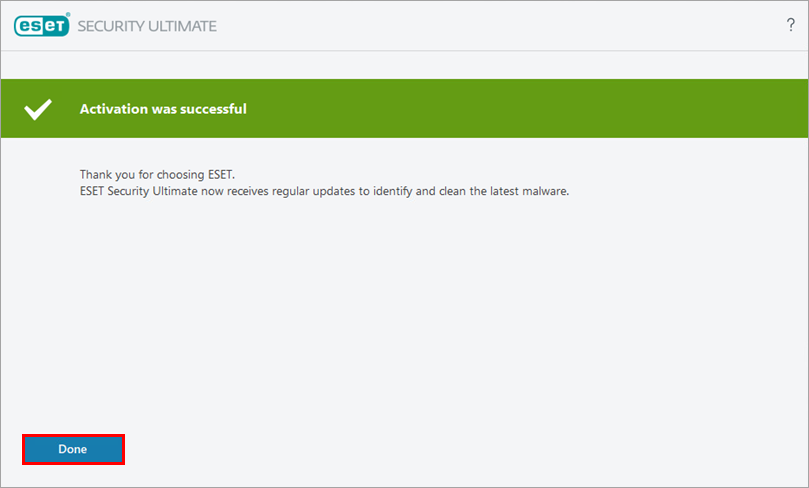
Figure 1-4