
Please follow the guide below:
1. On your mobile phone, locate the search bar at the top of your device and type "Playstore", or alternatively,
look for the Playstore icon  directly on your phone. See the screenshots below for reference:
directly on your phone. See the screenshots below for reference: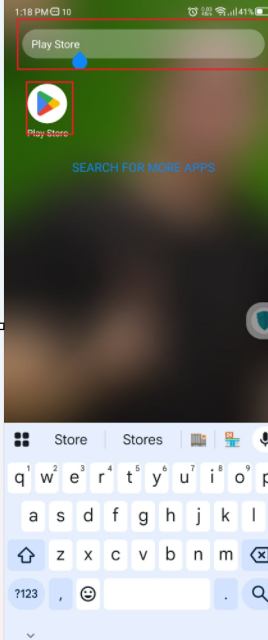
2. After opening the Google Play Store:
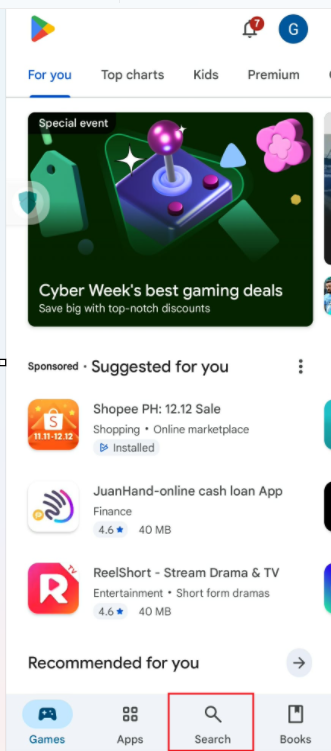
You will see the magnifying glass (Search) icon at the top or sometimes on the lower left corner, depending on your device.
You will see the magnifying glass (Search) icon at the top or sometimes on the lower left corner, depending on your device.
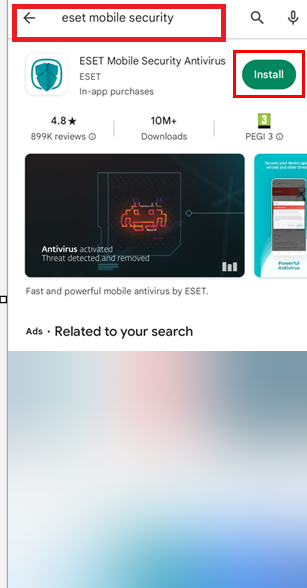
Tap the Search icon, then type “ESET Mobile Security.” then click 'Install'
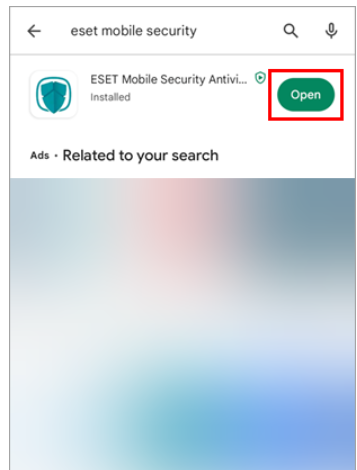
3. Wait for the installation to finish and tap Open.
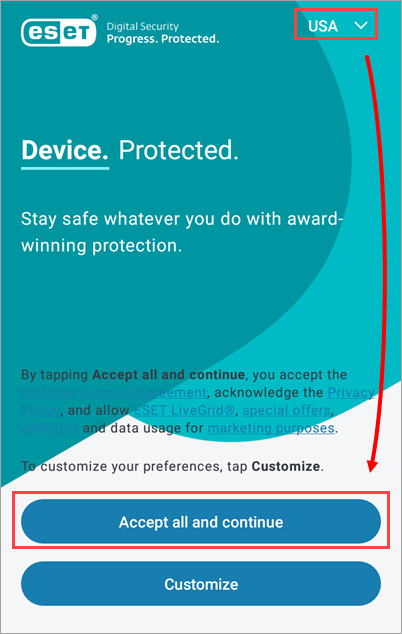
4. Confirm the correct country is selected and tap Accept all and continue to agree to the End User License Agreement and acknowledge Privacy Policy, and to allow ESET LiveGrid, special offers, analytics, and data usage for marketing purposes. Tap Customize to customize your preferences
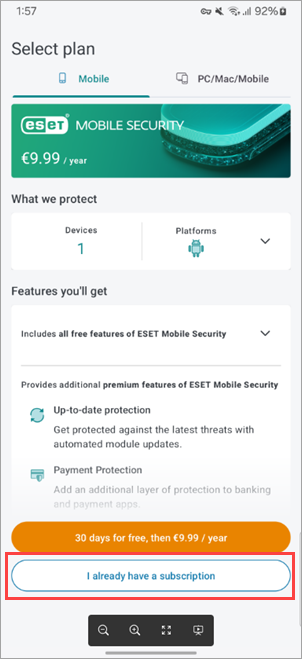
5. Tap I already have a subscription.
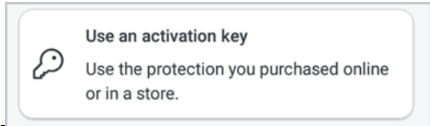
6.From the Activation Option > choose 'Use an Activation key ' then enter your ESET license key that we provided
For activation, please refer to this page:
? Activation Guide
? Activation Guide
Kindly follow the steps under the section titled “Activate ESET Mobile Security without ESET HOME.”
Cheers,
Microbe Support