The excluded ESET LiveGuard Advanced file is intended to help reduce alerts and prevent potential blocking of applications flagged as potentially unsafe
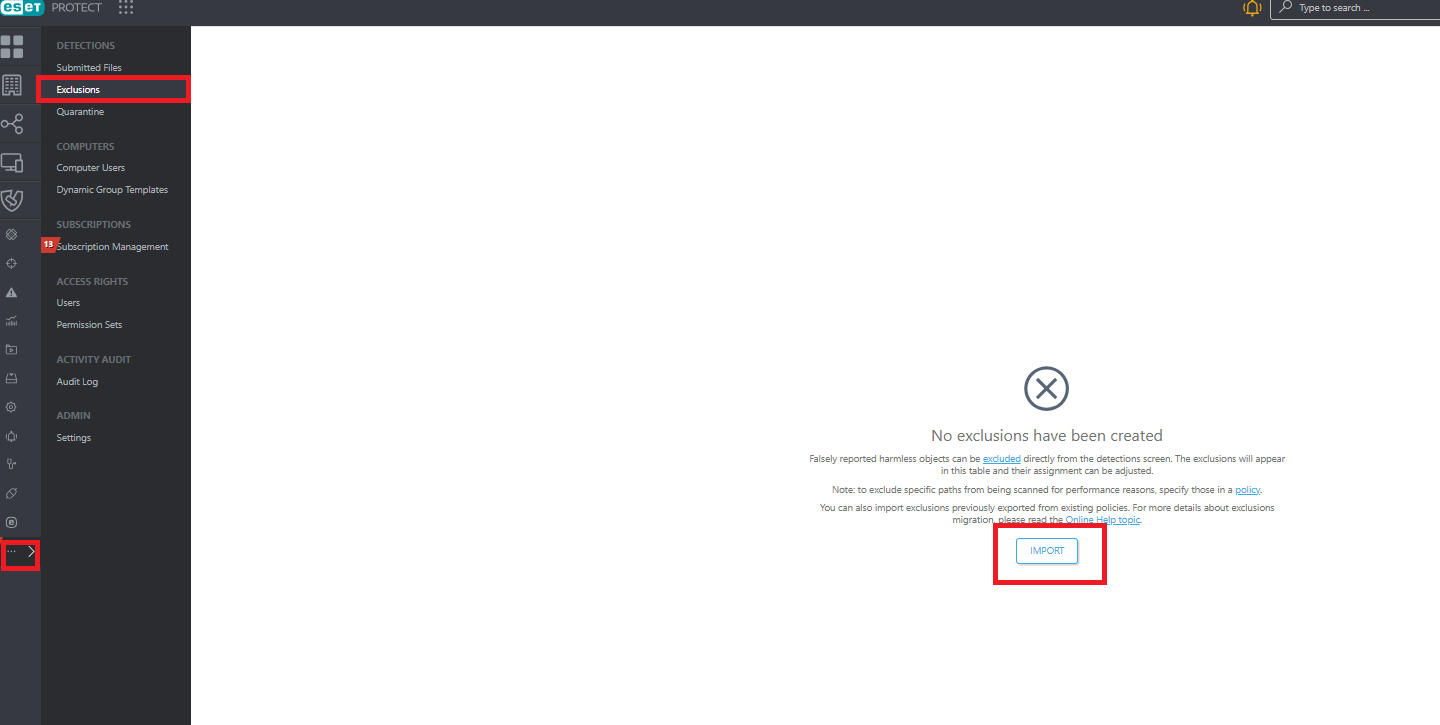
To Import the exported exclusion policy
- Open your ESET PROTECT console.
- Navigate to the Exclusions section.
- Click IMPORT.
- Extract the attached file and import the exported policy.
- Once the exclusion is applied, send a Wake Up Callfrom one of the affected devices.